
YouTube channel production
Create regular episodes, explainers and series faster. Use script templates to maintain pacing and style across every episode.
Turn ideas, scripts or briefs into polished YouTube videos using the AI YouTube video maker. Generate full-length episodes, faceless explainers and Shorts with AI-generated visuals, natural voiceovers and accurate captions — from one source script.
Trusted by millions worldwide to bring their stories to life.
Weekly explainer: how compound interest actually works, cinematic composition, gentle camera movement, natural light, detailed textures.
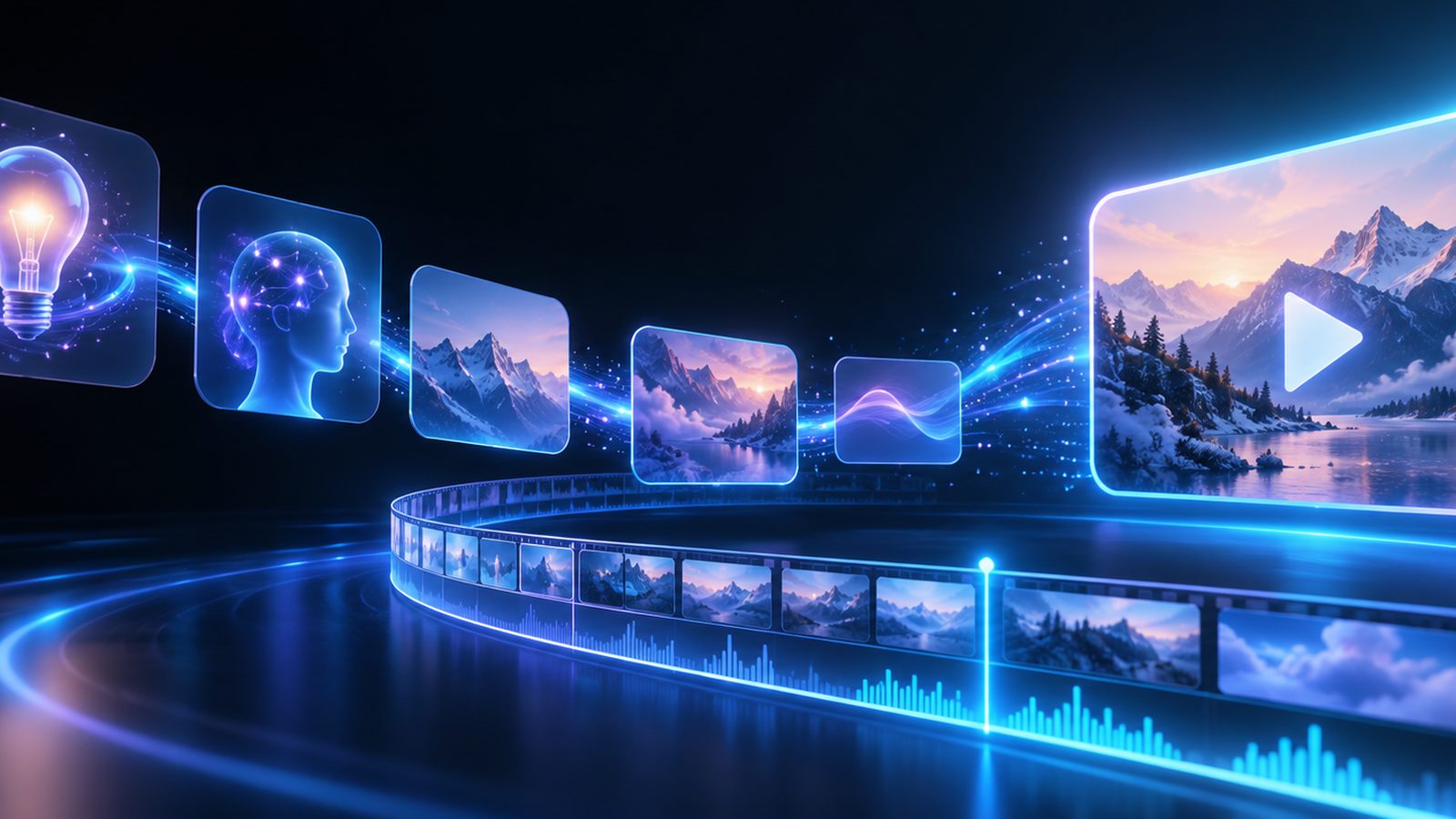
From weekly episodes to faceless explainers and Shorts, one workflow covers the formats your channel publishes.
Create regular episodes, explainers and series faster. Use script templates to maintain pacing and style across every episode.
Convert lesson plans and transcripts into video lessons with slides, captions and downloadable resources for learners.

Turn long episodes into dozens of Shorts and teaser clips optimised for YouTube discovery and watch-time growth.
Produce clean, repeatable product demos from scripts and product pages with consistent visual templates and on-screen highlights.

Create polished thought leadership, announcements and training videos that follow brand guidelines and can be localised.

Generate sponsorship-ready intros, ad segments and brand-first deliverables with precise timing and clean production values.
Advanced video generation, script interpretation and YouTube-first workflows help creators and brands publish faster and smarter — higher volume, consistent quality, no production bottleneck.
From script to export in minutes, so you can publish YouTube content quickly. Storyboarding, visuals, voice and timing are automated, leaving you to focus on the content rather than the edit.
Create long-form episodes, tutorial series, Shorts, intros and repurposed clips with metadata-ready exports, thumbnail suggestions and aspect-ratio presets optimised for discovery and retention.
Translate scripts, generate localised voiceovers and burn in accurate captions so each video feels natural in every market you publish to.
Paste a script or upload a transcript and the maker parses scenes, beats and emphasis into a structured storyboard. Visuals and B-roll are matched to the narration instead of being dropped in at random.
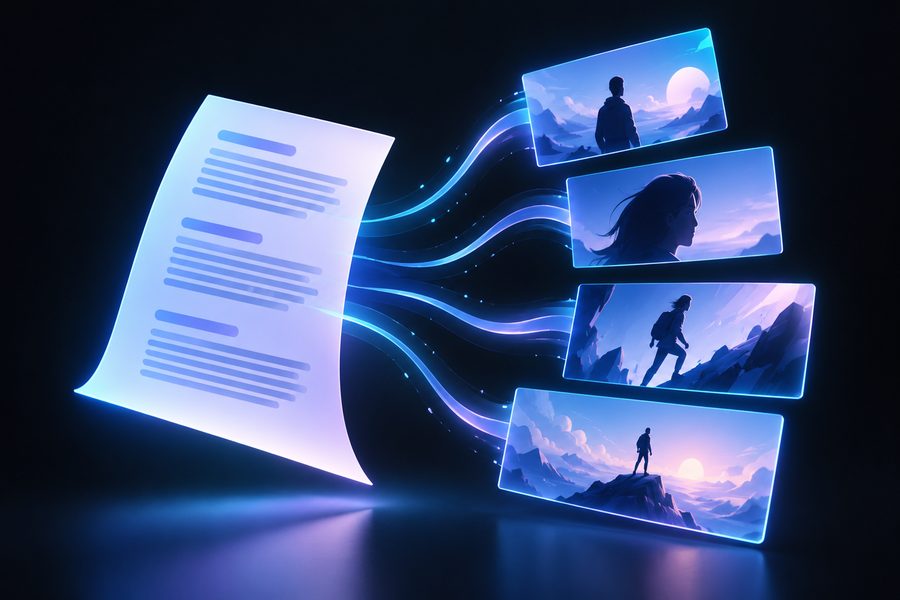
Produce 8+ minute episodes or 15–60 second Shorts from the same source script, with platform presets and auto-resizing so one master piece exports every format you need.

Generate cinematic scenes, animated graphics, product demos or abstract visuals from prompts. Camera movement, shot variety and transitions are composed automatically for a professional finish.

Import clips or long-form footage and automatically crop, trim and remix it into Shorts or highlight reels. Image-to-video features animate stills and product images for richer thumbnails and segments.
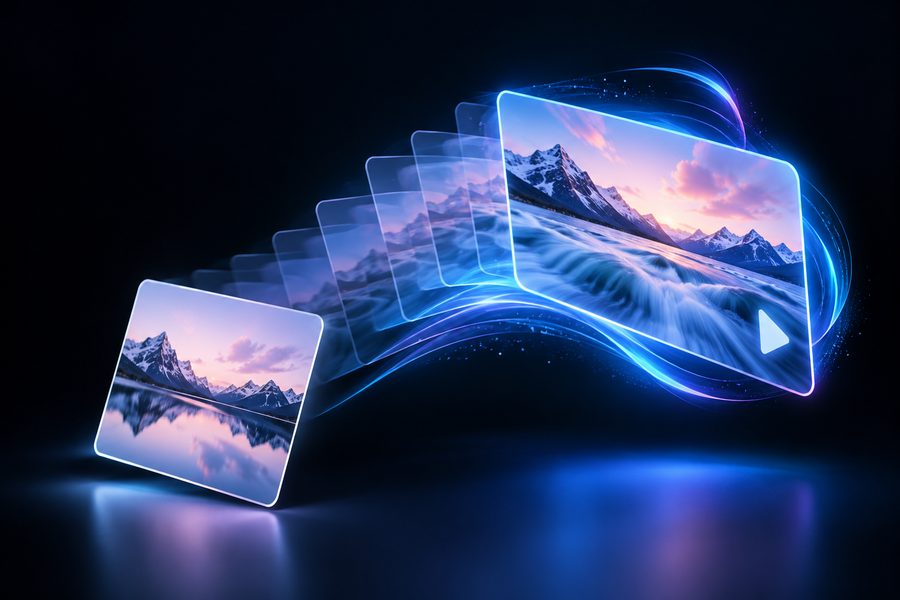
See how businesses scale content creation and drive growth with the most innovative image-to-video platform on the market.
It has enabled our writers to have the same level of creativity in the process that I do when it comes to visual storytelling mediums.
The magic moment was when we had a film we produced every week. Suddenly we realised I could write a script, send it in, and never have to go in front of a camera again.
What I love is that I no longer have to turn projects down. It feels as though we have augmented our team, and we can do far more with the resources we have.
Bring your video ideas to life in four straightforward steps.
Paste a script, upload a transcript, or describe a concept. You can also provide existing footage or a product URL.
Pick long-form, short, or both. Select a visual style, avatar option and voice model, and apply brand presets if needed.
The maker generates a storyboard and draft video. Edit captions, swap B-roll, adjust pacing or change the voice tone with straightforward controls.
Export YouTube-optimised files, subtitle SRTs, thumbnails and metadata. Use direct upload or the API for scheduled publishing and batch workflows.
The same workspace also covers the rest of a YouTube production pipeline.
Cut long footage into ready-to-post Shorts.
Open the generatorPresent every episode with a recurring host.
Open the generatorLocalise voiceovers and captions per market.
Open the generatorAccurate captions and SRT export in one pass.
Open the generatorFormats, captions, localisation, ownership and export options.
An AI YouTube video maker converts scripts, briefs or existing footage into full YouTube videos using AI for visuals, voice, captions and scene composition. It builds both long-form and short-form assets from the same source material.
Yes. Multi-format generation lets you create a master long-form video and automatically derive Shorts, clips and teaser formats with optimised edits and captions for mobile viewing.
Yes. It suggests titles, descriptions, tags and chapter markers aligned with YouTube best practices, helping creators get discovered and indexed more effectively.
Absolutely. Import existing footage and the editor auto-edits, adds captions, generates B-roll and remixes the content into finished videos and Shorts.
Auto-captions are highly accurate and support translation into many languages. Captions and translated voiceovers stay editable, so you can fix names and terminology before publishing.
Yes. Upload a voice sample to clone your voice, or create a recurring avatar host to present scripts consistently across episodes and series.
Export MP4 files in standard and vertical formats, SRT subtitle files, thumbnail images and metadata packages. API integration covers scheduled publishing and batch workflows.
Most drafts generate in minutes. Final rendering time depends on length and complexity, and batch processing scales for high-volume production.
Yes. Role-based access and private workspace controls protect content and production workflows. You retain full ownership of the videos and assets you generate.
Turn a script, a brief or footage you already have into a finished YouTube video — long-form and Shorts from the same source.
Long-form · Shorts · captions and localisation